The AI layer for your Mac
Intelligence moves with you.
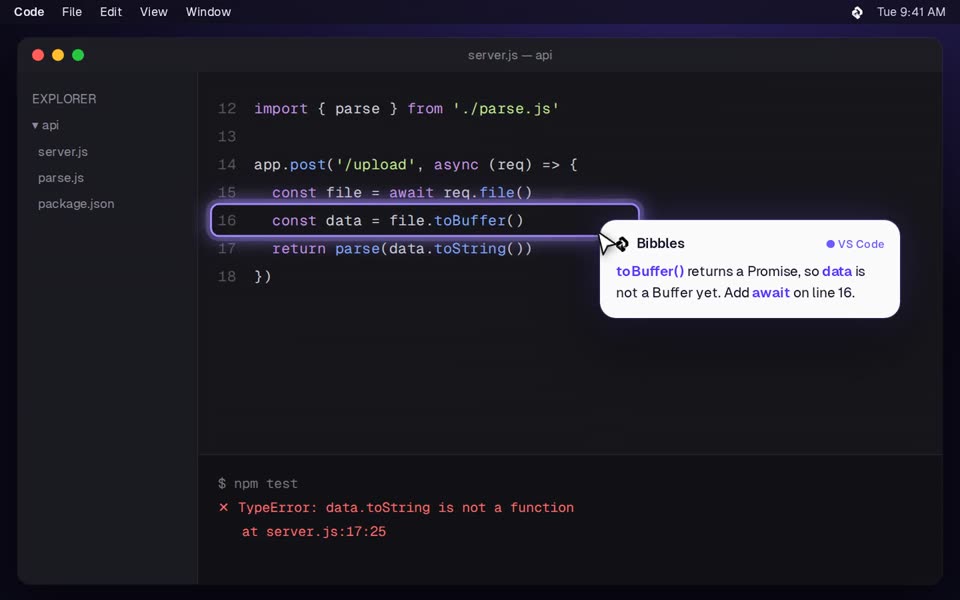
One assistant for every app you use. Bibbles sees your screen, answers next to your cursor, and points to exactly what to do next.
Hover a screen to preview · click to watch
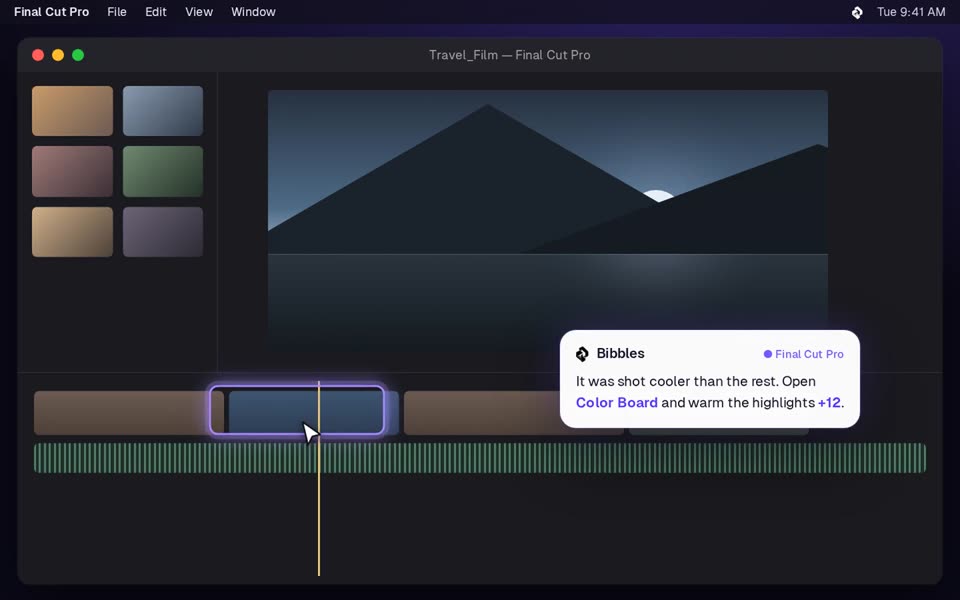
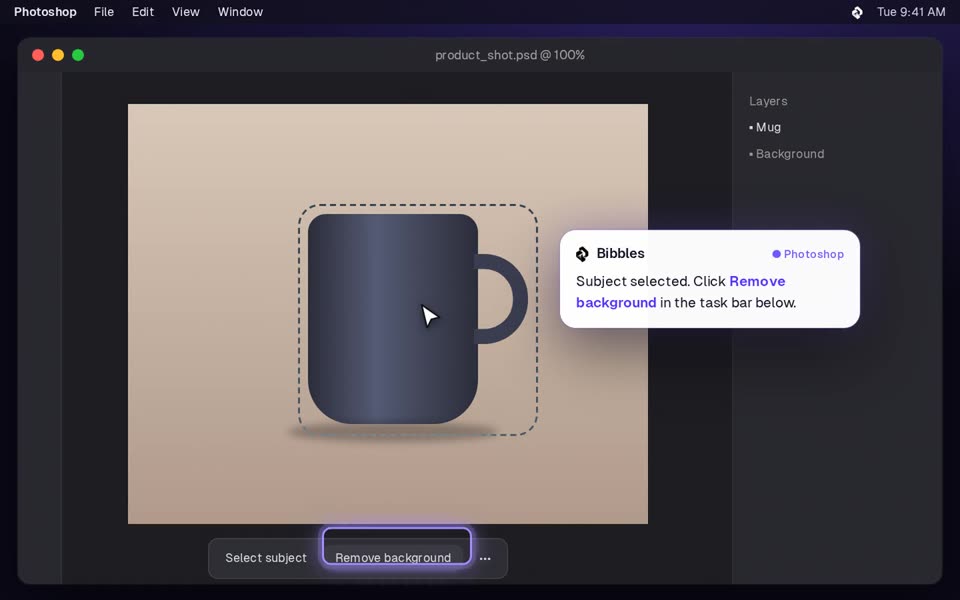
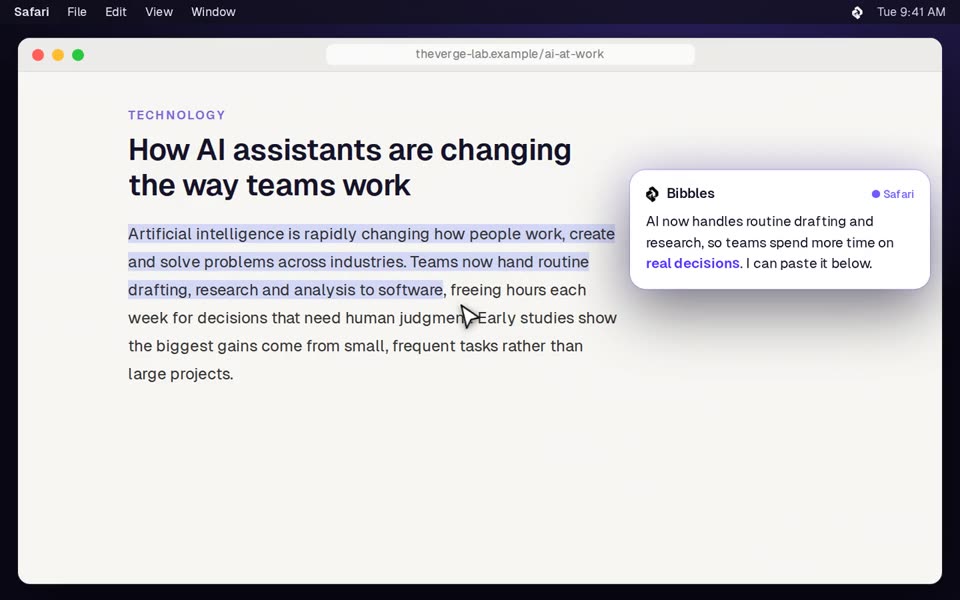
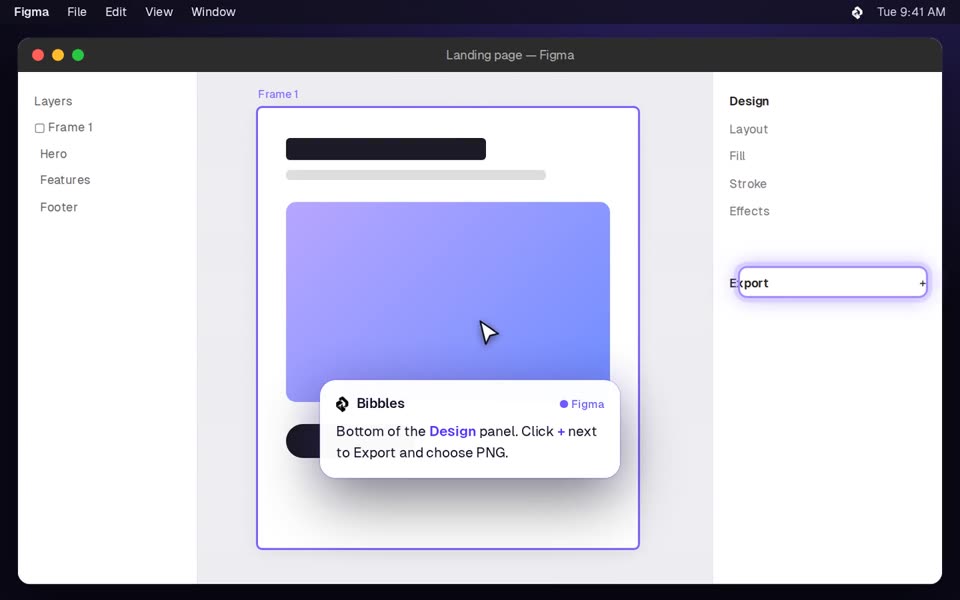
Works withFinal Cut ProPremiere ProPhotoshopFigmaVS CodeChromeNotion
How it works
Four keys. No new window.
Bibbles lives in your menu bar and wakes up with a shortcut. Ask out loud, circle what you mean, or type. The answer shows up next to your cursor.
⌃⌥
Hold to talkAsk anything out loud, in the words you'd use with a friend.⌃⌥◯
Hold and circleDraw around part of the screen to ask about just that.⌃⌃
Double-tap to typeFor quiet rooms. Same answers, no microphone.fn⌃
Dictate anywhereSpeak and Bibbles writes into any text field, correctly.Privacy
It looks only when you ask.
A screen assistant has to earn trust. Bibbles is built so you always know what it can see.
No background recordingThe screen is captured once, for the question you asked, and never in between.
Nothing kept by defaultScreenshots are discarded after each answer. History is off until you turn it on.
Sensitive apps stay privatePassword managers and secure fields are blocked automatically. Add any app to the list.
Your Mac, with a second mind.
Bibbles is in private beta for macOS 14 and later on Apple Silicon.
Download for Mac