Intelligence moves with you.
One assistant for every app you use. Bibbles sees your screen, answers next to your cursor, and points to exactly what to do next.
Hover a screen to preview · click to watch
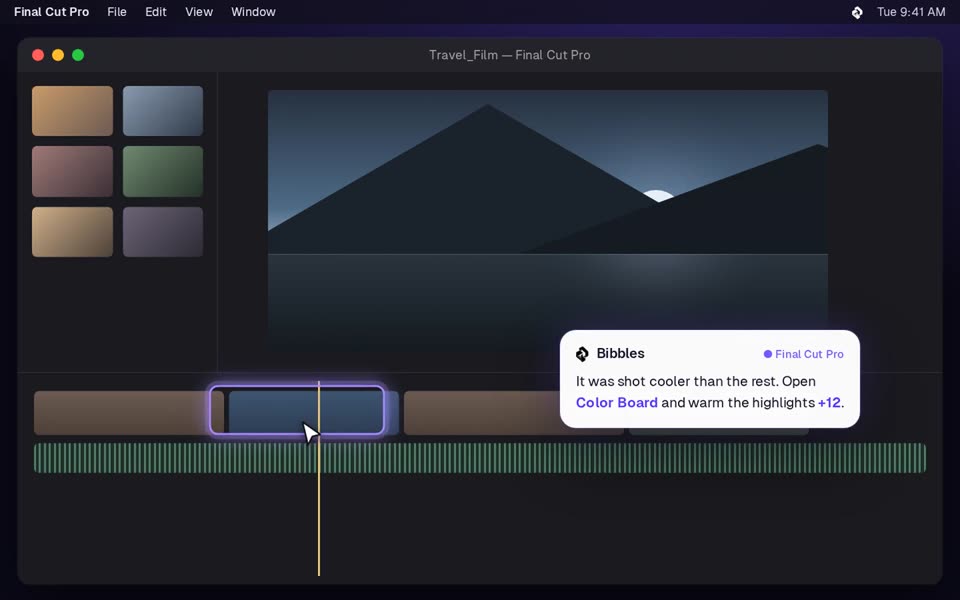
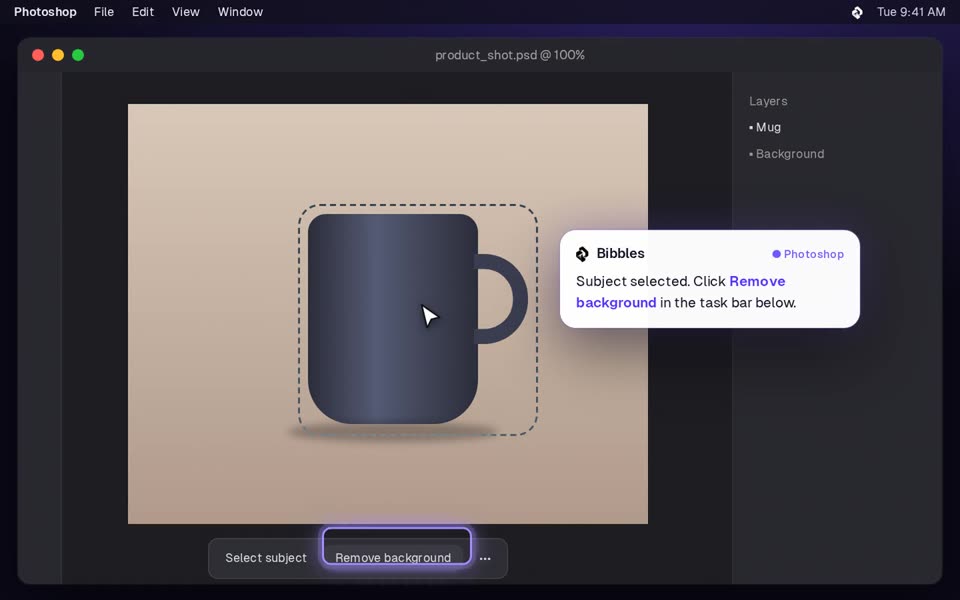
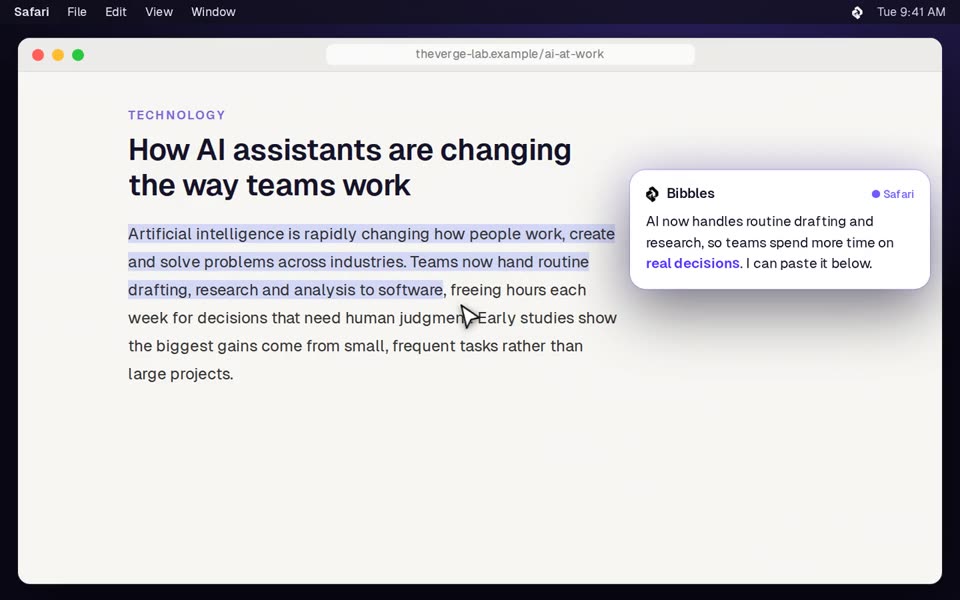
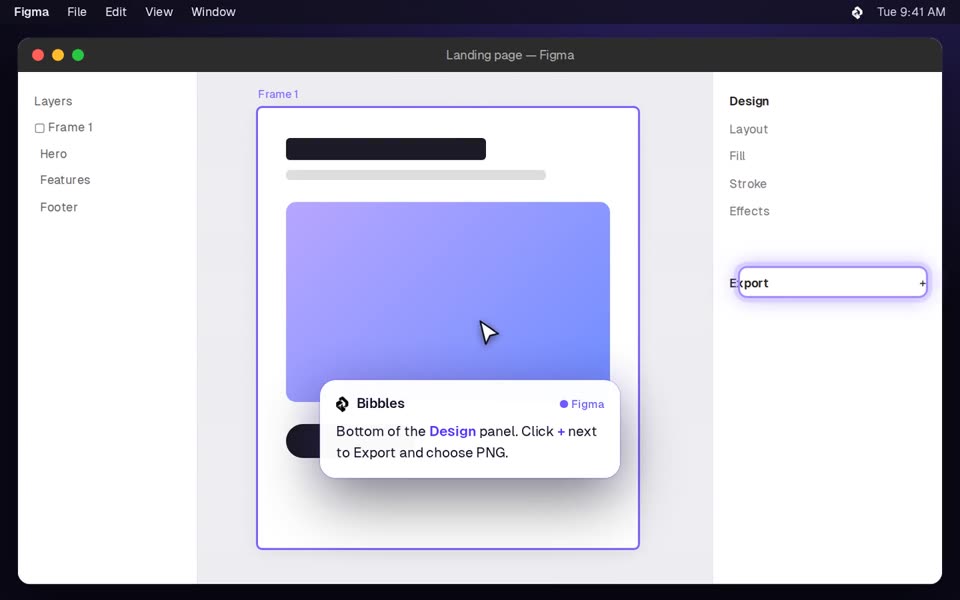
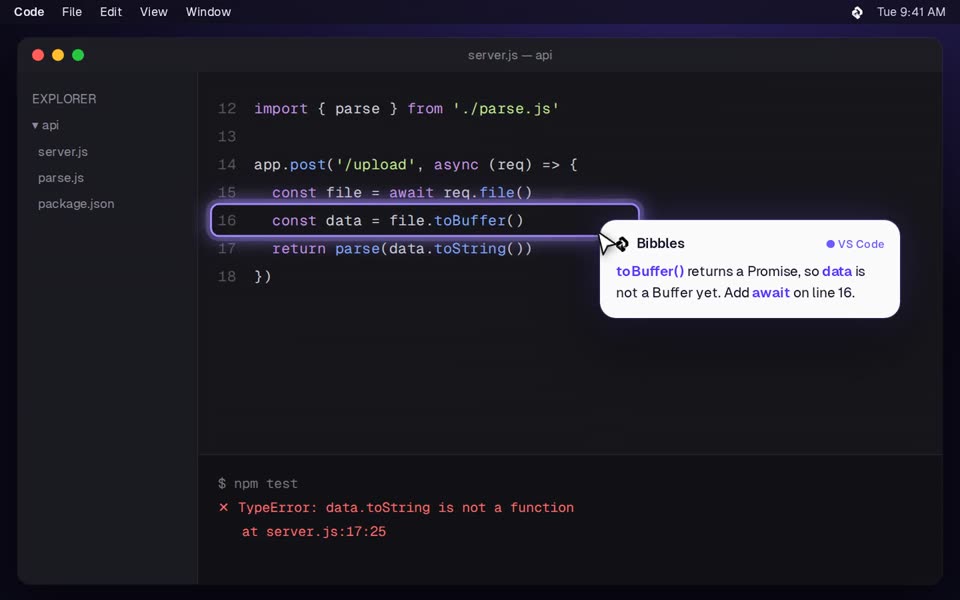
Four keys. No new window.
Bibbles lives in your menu bar and wakes up with a shortcut. Ask out loud, circle what you mean, or type. The answer shows up next to your cursor.
It looks only when you ask.
A screen assistant has to earn trust. Bibbles is built so you always know what it can see.
Plans for every workflow.
Download Bibbles for free, then choose your plan inside the app. Upgrade or downgrade anytime.
Alpha
For trying Bibbles out. Everyday questions, quick dictation and a taste of screen help.
- 30 AI asks a month
- 10 deep tasks a month
- 5 screen help uses a month
- 30 minutes of dictation a month
- 10 web searches a month
- Community support
Sigma
For everyday work. Fast, smart AI that steps up automatically for harder tasks.
- 450 AI asks a month
- Smart AI, with 80 deep tasks a month
- 500 screen help uses a month
- ~2,000 minutes of dictation a month
- 500 web searches a month
- Community support
Omega
For power users. The same smart AI with the most deep tasks and far higher limits than Sigma.
- Everything in Sigma
- 1,500 AI asks a month
- 300 deep tasks a month
- 1,000 screen help uses a month
- Unlimited dictation*
- 1,000 web searches a month
- Priority support
Compare plans
| Per month | Alpha $0 | Sigma $20 | Omega $70 |
|---|---|---|---|
| AI | Smart: light for simple, deep for hard | Same | Same |
| Asks / month | 30 | 450 | 1,500 |
| Deep tasks / month | 10 | 80 | 300 |
| Screen help / month | 5 | 500 | 1,000 |
| Web searches / month | 10 | 500 | 1,000 |
| Dictation / month | 30 min | ~2,000 min | Unlimited* |
| Spoken answers | Included | Included | Included |
| Languages | All supported | All supported | All supported |
| Priority support | No | No | Yes |
Prices in US dollars. Limits reset every month. Works on macOS 14 or later.
*Unlimited is subject to fair use. Each deep task covers a request of up to about 7,000 words on Alpha and Sigma, and about 15,000 words on Omega; very long requests may use more than one.
- 1Download & installGet the free Bibbles app for your Mac.
- 2Pick your plan in the appStart on Alpha for free, or choose Sigma or Omega.
- 3Pay your wayDebit or credit card and other payment methods, right inside the app.
Your Mac, with a second mind.
Bibbles is in private beta for macOS 14 and later on Apple Silicon.
Download for Mac